
The Magenta Standard
Every piece of hardware we review is audited against five professional pillars. We evaluate procedural training tools, not toys.
Proud member of
The Evaluation Rubric
The sim-to-cockpit transfer argument begins here. Hardware that feels nothing like a training aircraft builds muscle memory that has to be unlearned. Our reviews cut through marketing to evaluate whether a device actually makes you better at flying.
Mechanics: travel & resistance
We evaluate weight, resistance, travel, and tactile precision against what you will actually encounter in a C172, Piper Warrior, or similar GA aircraft.
For non-control hardware, we reframe the question: does this device reinforce correct pilot behavior?
Tactility: eyes-outside operation
In a real aircraft, you operate by feel. Any hardware that forces you to look down during critical phases is training the wrong reflex.
- Knobs and levers located without looking
- Label legibility under dim conditions
- Tactile feedback (clicks, detents) providing operational confidence
Integration: fit & friction
Integration is whether you can place the device where the workflow expects it — and keep it there. If a device slides or changes position, you are adapting to a moving target. Desk friction becomes training friction.
- USB port location allowing tight placement
- Grip under load vs. sliding during use
- Orientation and practical mounting options
Procedural Value: the syllabus test
This is the pillar that matters most. We identify the specific syllabus skills the device addresses: radio discipline, mode awareness, power management, visual scanning.
Then we evaluate whether the hardware actually trains those skills in a way that transfers to the actual aircraft.
Price: the dual-instruction ROI
Every dollar spent on sim hardware is a dollar that could go toward real dual instruction. We evaluate whether the device justifies that trade-off.
The calculation that matters: if this hardware prevents even one or two hours of remedial dual instruction (at US$400–US$500 per hour), does it pay for itself?
Who reads Magenta
The flight sim community is more serious and real-world adjacent than most hardware marketing assumes. According to the Navigraph FlightSim Community Survey 2026 — the largest survey of its kind, with 15,600 clean respondents — 20.9% of simmers hold a real pilot license, and 62.9% of licensed pilots say they became interested in flight simulation before starting real-world training. The simulator is the gateway to the cockpit, and Magenta sits at the start of that pipeline.
Among simulator platforms, MSFS users are the highest-spending segment in the community. Avionics hardware is the #1 planned peripheral purchase. The 55+ cohort — time-rich, income-established, and deeply invested in the hobby — spends the most on hardware by a clear margin. These are buyers motivated by mastery and procedural accuracy, not novelty. That is the audience the Magenta Standard is built to serve.
The market behind that audience is mapped in Who owns the home sim cockpit in 2026, our guide to the sim hardware market.
Magenta is text-first by design. Most hardware reviewers in this space publish on YouTube — content that competes against the algorithm every day. A Magenta review is indexed by search engines and surfaces in AI-generated results, accruing value over time. A review published today is still working 18 months from now.
Challenge the Standard
If you build hardware aimed at student pilots and GA training, we want to evaluate it.
We purchase equipment independently or accept review units for evaluation. If financial terms are involved, we will disclose it openly. Either way, the policy is the same: reviews are published without prior approval from vendors, and review units are retained permanently. We keep every piece of hardware we test so we can compare it against new entrants over time — that's what makes the evaluation meaningful.
If a vendor believes a published review contains a factual error, we're open to hearing it. Where we agree a correction is valid, we'll update the review and note the change.
Email us →Hardware tested
We don't just state our philosophy; we apply it. Below are the peripherals, panels, and tools that have been systematically audited against the 5 Pillars of the Magenta Standard.
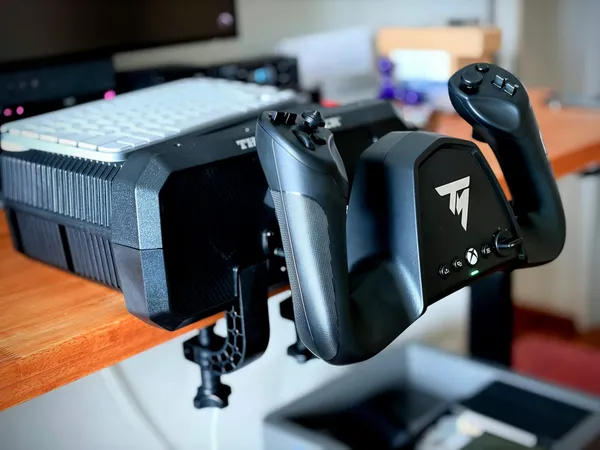
Thrustmaster TCA Sky Yoke review: a full circuit for US$200
Thrustmaster's cheapest yoke is the easiest one to start with, and the least explained.
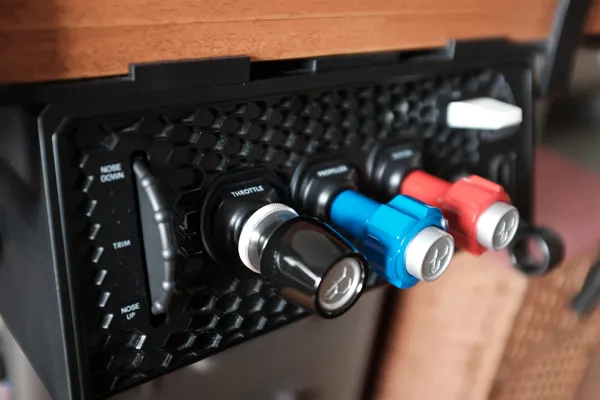
Honeycomb Sierra TPM long-term review: six months in at US$250
Honeycomb puts the whole GA engine panel in one US$250 unit, which suits a 172 student with the desk space for it but not a pilot moving into a light sport aircraft.
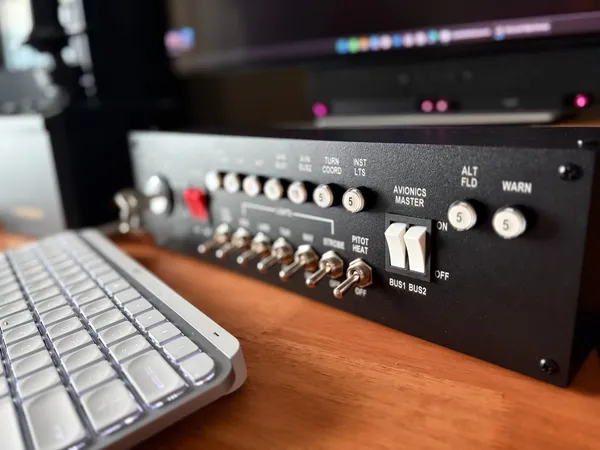
Meza Aircraft Switch Panel review: a C172 switch panel that does its job exceptionally well, yet has no ecosystem around it
Every switch here does what a switch panel needs to do for procedural training, and does it well. Now it just needs to connect to the rest of Meza's excellent lineup.
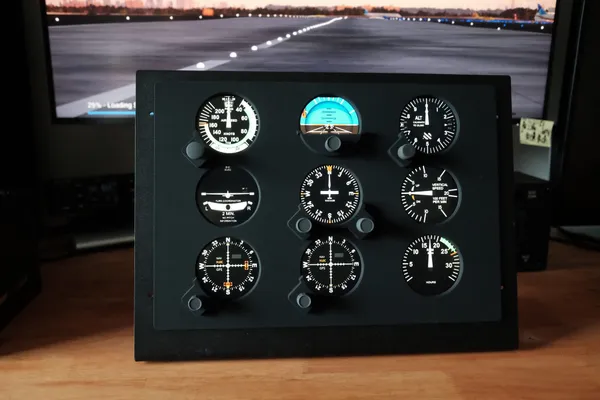
FlightSimBuilder Steam Gauges review: a US$480 panel of physical dials that keeps your hands on the instruments
Nine dials, seven encoders and one fixed single-engine panel. The value is entirely in not reaching for a mouse mid-flight, and the price is the one thing that argues back.
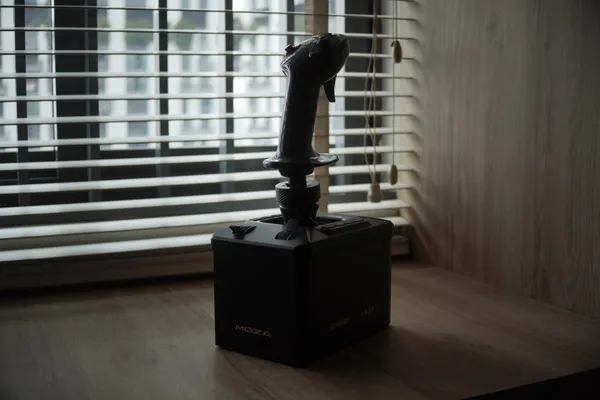
MOZA AB6 force feedback review: affordable trim and stall training for GA students at US$400
The cheapest way to feel a light aircraft's controls, with trim that teaches a habit a sprung stick cannot — and held back by an install that assumes you will spend your first evenings inside its settings menus.
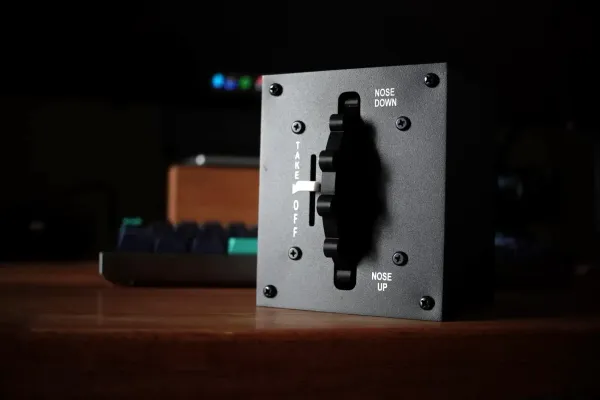
Meza C172-style trim wheel review: a real axle for the forgotten control, undone slightly by its own indicator
From US$59.99 (US$79.99 with the clamp), the Meza trim wheel is the only dedicated manual trim wheel you can actually buy right now — with one flaw: the takeoff indicator never quite lines up with the sim.
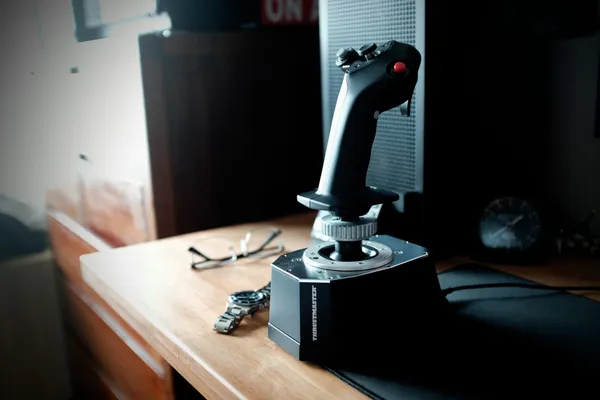
Thrustmaster Airbus Add-On Grip review: a rare $130 left-hand sidestick — and why GA pilots might look elsewhere
The officially licensed left-hand Airbus sidestick buys cockpit fidelity, not training transfer for GA pilots. The US$80 MOZA rival is still the better buy: real trim controls and cross-base mounting.
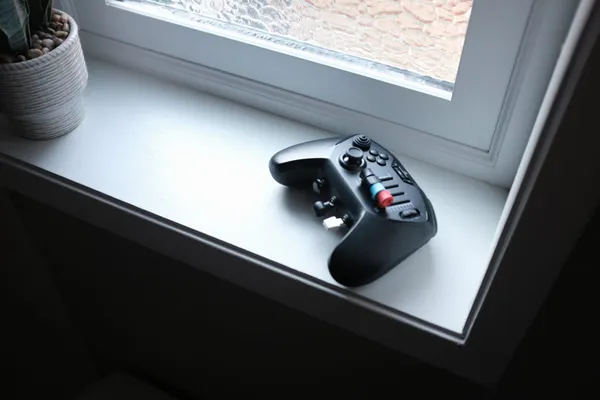
Honeycomb Echo Aviation Controller review: a US$150 handheld built for procedures while you're on the road
Honeycomb's wireless handheld flight deck at US$150 — linked rudders, trim wheel, travel case — is plug-and-play in X-Plane and built for procedures practice, not control feel.
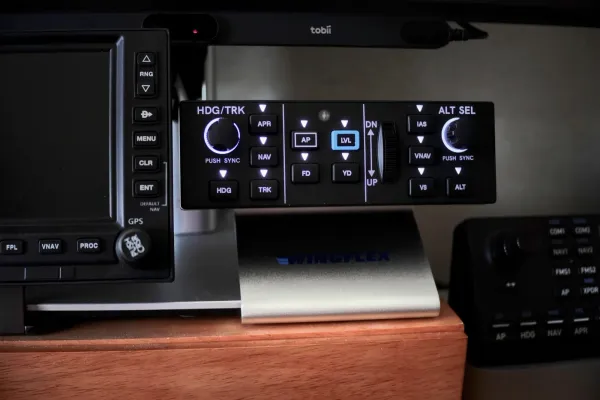
WingFlex DAP 500 review: a dedicated GA autopilot panel at US$160 let down by basic keyboard bindings
A dedicated GFC 500-style autopilot panel that works on the aircraft WingFlex supports natively, and manual binding work on everything else.
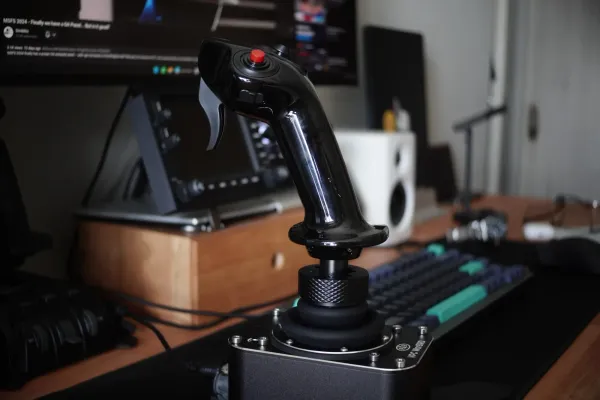
MOZA MA3X side stick review: A US$79 Airbus grip pressed into left-hand GA duty on a Virpil WarBRD
I wanted a cheap, basic left-hand stick and the sim-hardware market barely makes one. The MOZA MA3X is a right-hand grip, and yet sits in the left hand surprisingly well.
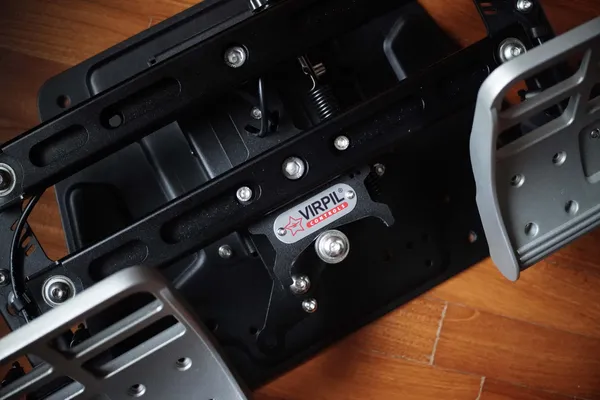
Virpil VPC R1-Falcon review: Exceptional hardware, wrong geometry for GA training
The R1-Falcon is one of the best-built sim rudder pedals available. But its pedal geometry has a procedural fidelity problem worth understanding before you buy.
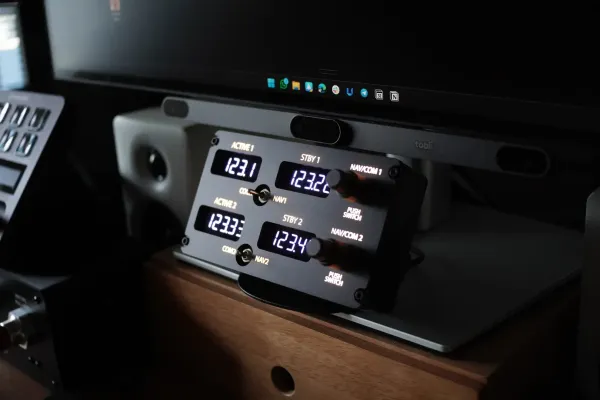
PU Air Korea radio review: A surprisingly affordable universal panel that makes GA radio work tactile
A compact, universal COM/NAV panel that turns GA radio work into repeatable tactile reps in MSFS 2024. At US$100 shipped it’s hard to beat — despite a few “unfinished product” signals — and it earns the Magenta Standard badge for procedural training transfer.
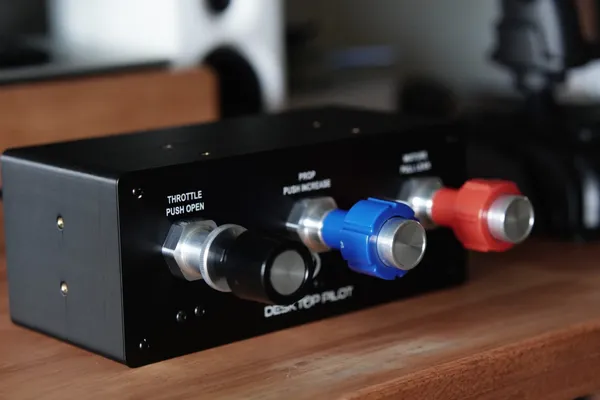
Desktop Pilot TPM Throttle Box v2 review: Great GA habits, yet unfinished at US$340
This TPM can build real GA sim power-management habits, but rough finish, missing “finished product” cues, and rudimentary mounting make US$340 hard to justify against Honeycomb’s Sierra.
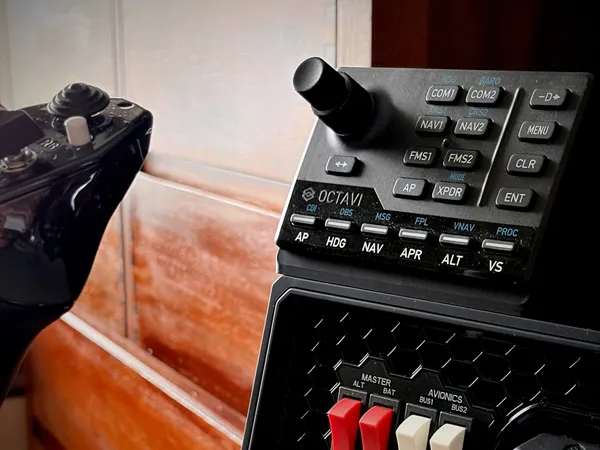
Octavi IFR-1 review: A premium radio panel with real-world compromises (2026)
The Octavi IFR-1 delivers excellent build quality and satisfying tactile feedback, but ergonomic compromises and visibility issues in low light hold it back from being a complete training tool.
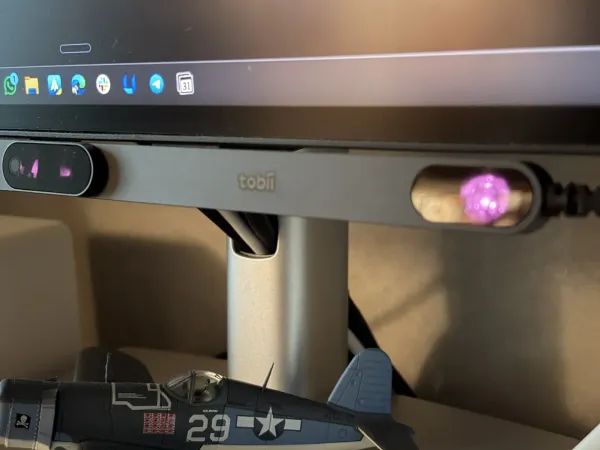
Tobii Eye Tracker 5 review: Expensive but worth it for flight sim training
Head and eye tracking that reinforces the most critical habit in aviation — keeping your eyes outside the cockpit.
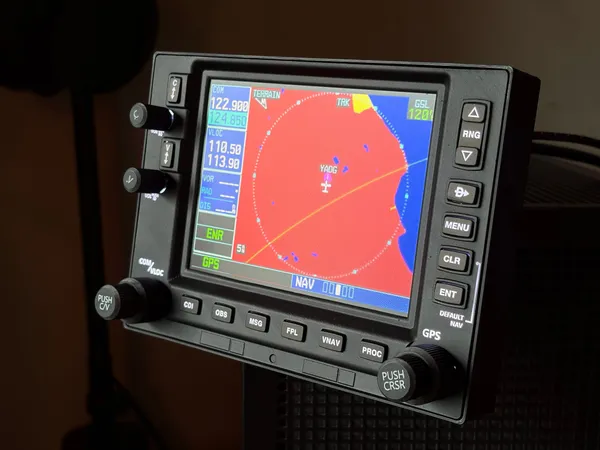
PU Air GNS 530 review: The right nav workflow, but unfinished
At US$250, the PU Air GNS 530 is the lowest-cost way to get a full physical nav workflow into MSFS 2024. The screen runs at double the resolution of the real Garmin unit. The build quality — rattly, light, wobbly dials — is the honest trade-off.
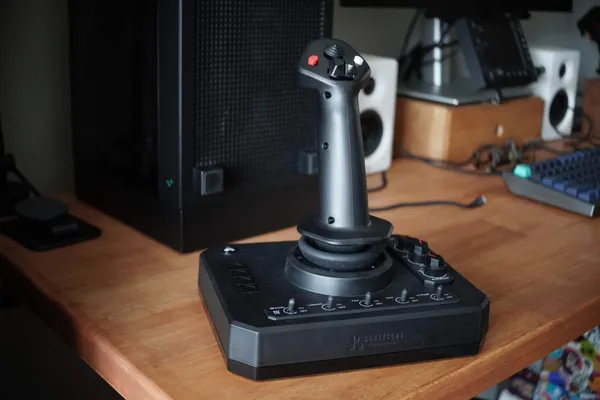
Honeycomb Foxtrot Aviation Stick review: Unmatched control density at US$150 with compromises
The Foxtrot packs radio management, autopilot control, light switches, and trim into a single US$150 stick — more cockpit panel density than anything else at this price. The problem: center-return bounce and a missing throttle axis mean the core flight controls need work.
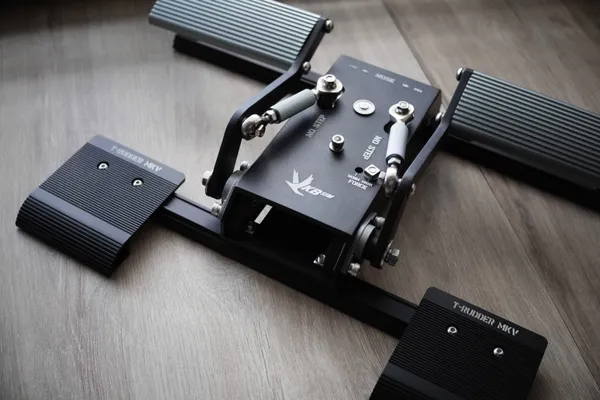
VKBSim T-Rudder Mk.V review: The best mid-range rudder pedals, with one GA asterisk
These rudders deliver exceptional yaw control in a compact, stable footprint — smooth enough to build real coordination habits from day one. The problem: no toe brakes, which leaves GA students without the full feet workflow they will eventually need to train.
Flight sims in training
Understanding how to use a home simulator correctly is just as important as the hardware itself. Used well, it's a powerful procedural trainer. Used poorly, it creates false confidence.
2027 flight sim trends to watch: the value moves into the system
The flight sim hardware story for 2027 is moving above the box: aircraft profiles, community software, modular systems and the friction of setting them up.
Does it matter if your flight sim gear is FAA-certified?
FAA approval covers complete training devices, not the panels you can buy. Here is what you can log, what it costs, and where the rules leave Australian recreational pilots.
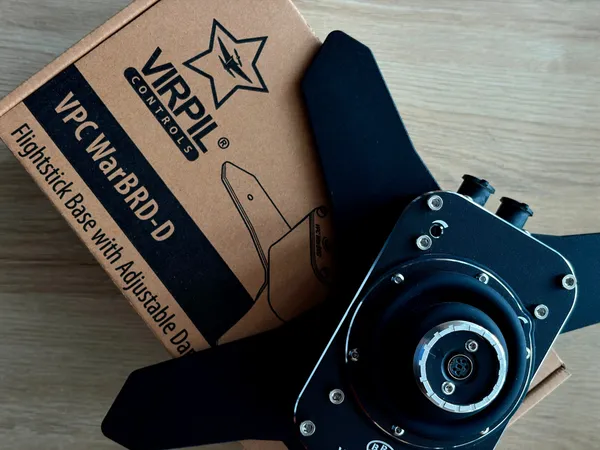
Which flight sim grips fit which bases? A cross-brand compatibility map
The cross-brand compatibility map for flight sim grips and bases: the three layers of compatibility, who works with whom, the adapters that bridge the gaps, and what is still unverified.
How to build a home flight sim rig for pilot training
A practical guide to building a flight sim setup that builds real muscle memory — what controls to prioritize, which software to choose, and what not to buy.
What the 2026 FlightSim Community Survey reveals about who we really are
The numbers confirm what you'd expect, and reveal a few things the sim industry should sit with.
The Magenta Standard: Hardware for the sim-to-solo path in 2026
Here's our list of great flight sim gear that builds real-cockpit habits. Three tiers from pre-solo rudder awareness to full immersion.
Why the home flight simulator is a professional necessity, not a game
The sim is about processes and procedures, helping pilots master technical aspects like navigation systems and emergency protocols. In contrast, flying the actual plane involves understanding the physics of flight.
Why home flight sims help – and where they absolutely don’t
Used well, Microsoft Flight Simulator and X‑Plane are powerful procedural trainers. Used badly, they create exactly the kind of brittle habits and false confidence that fall apart the moment you leave the desktop and strap into a real aircraft.
