How to build a home flight sim rig for pilot training
A practical guide to building a flight sim setup that builds real muscle memory — what controls to prioritize, which software to choose, and what not to buy.
Procedures over immersion. You'll never replicate the full feeling of flight and aerodynamics in a sim. That's not the point. The point is muscle memory — habits that save you money when the Hobbs meter is running. Anything you learn poorly on a home rig will have to be unlearned in the real aircraft. That's more expensive than not practicing at all. The sim rewards good habits and punishes bad ones — just more slowly than the real world.
Physical cues compound this. A sim rig can't replicate g-forces or centrifugal forces correctly. Your body learns the wrong signals. If you've already built real-world sensory experience through actual flight hours, the sim works as a reminder of those sensations. If you haven't, you may be training your body to expect something that isn't there.
This is why sim fidelity matters less than sim discipline. It's not about how realistic the graphics are but whether you're building the right habits.
The first principle
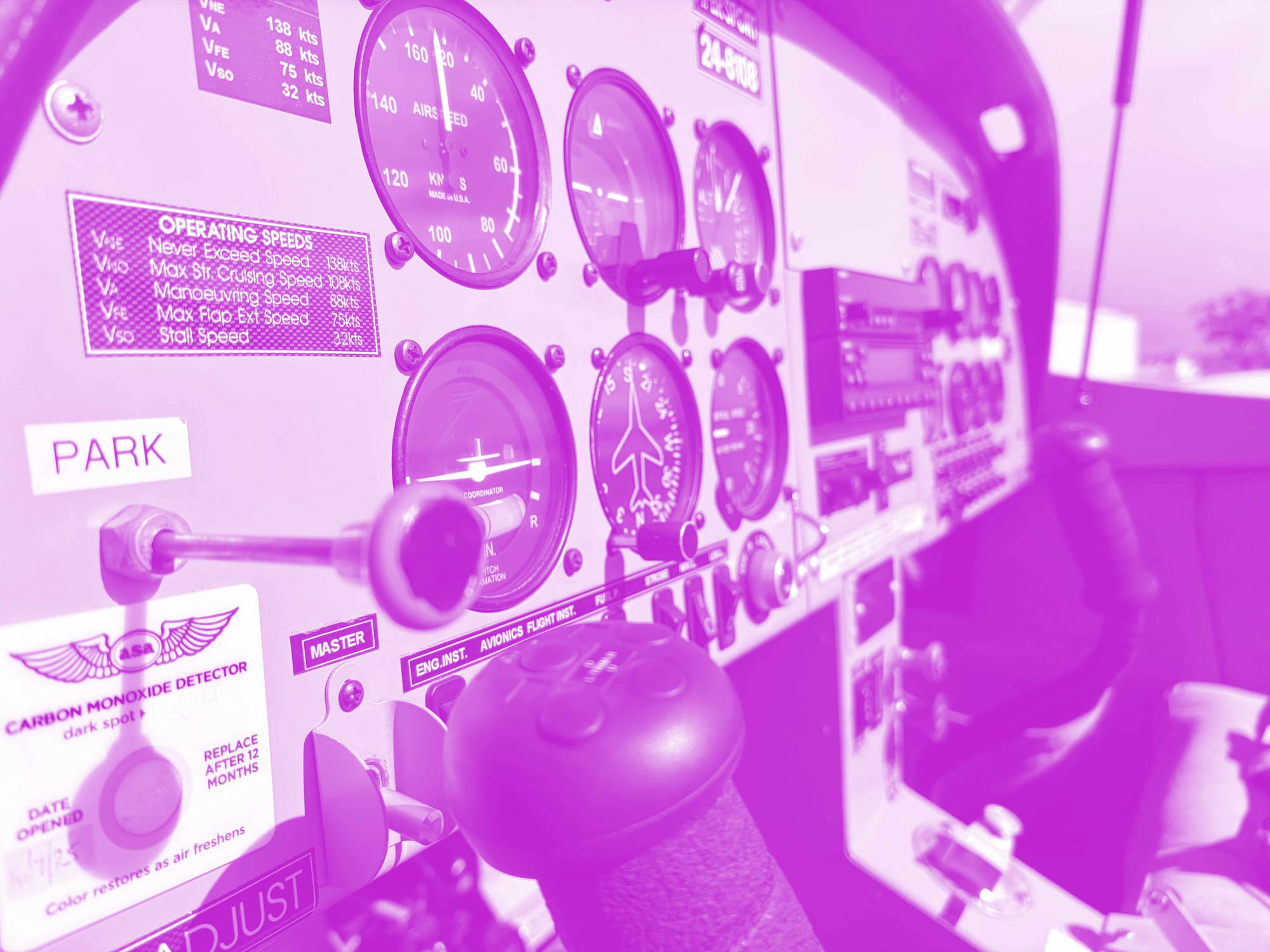
Build the sim for the aircraft you'll be training on — but no more. If you're training in a Cessna 172, piece together something that reflects those controls. If it's a Diamond DA40, build for that. Don't get distracted by what you think you'd like. Before you buy anything, take a discovery flight if you haven't already. Getting actual time in the training aircraft — even one lesson — tells you exactly what you're trying to replicate. Then talk to your flight instructor. They know the flows, the checklist sequence, and what the school's aircraft actually has. That conversation is worth more than any amount of forum research.
Your physical setup
Most people skip this. Don't.
Table height matters. Your table determines reach — to the throttle, to the switches, to the yoke. Get it wrong and your posture is wrong, and your habits are wrong before you've started.
Seat position matters more than you think. Your rudder skills and use of toe brakes depend on where you're sitting relative to the pedals. As much as possible, set it up the way you'd sit in the actual aircraft.
Controls before everything else
Controls fidelity over visuals. Most beginners overspend on monitors and GPU, then under-invest in yoke and rudder pedals. The screen doesn't transfer to the real aircraft. Control feel does. Prioritize tactile realism first.
Rudder pedals are non-negotiable. Taxiing alone is a hand-eye coordination skill you can't replicate on any other machine. Most students need far more time on ground handling than they expect — and most aircraft accidents happen on the ground. Proper pedals with toe brakes (like the Virpil R1 Falcon we reviewed here) from day one.
Match the control throw and resistance. A Cessna 172 has a yoke with a specific range of motion and resistance. A Diamond DA40 has a sidestick. Using a generic joystick for 172 training creates muscle memory mismatch — it undermines the first principle.
Hand placement is a muscle memory skill. In most training aircraft, your left hand is on the yoke and your right hand is on the throttle. If you've been flying combat sims with the opposite layout, you'll need to consciously rewire that. Set your rig up correctly from the start.
The Magenta Standard Evaluation
Every piece of hardware reviewed is evaluated against five professional criteria to ensure it serves as a true procedural training device.
| Criteria | Evaluation Logic |
|---|---|
| 01 Mechanics | Does the hardware mimic the physical forces and control travel found in real General Aviation aircraft? |
| 02 Tactility | Does it support eyes-outside operation through distinct physical feedback and ergonomic positioning? |
| 03 Integration | How seamlessly does the device interface with Electronic Flight Bags (EFB) and professional training software? |
| 04 Procedural | Does the hardware support the muscle memory needed for actual syllabus requirements and cockpit checklists? |
| 05 ROI | Does the measurable gain in proficiency justify the hardware cost compared to wet-hire aircraft rental hours? |
WANT TO DIVE DEEPER? VIEW THE MAGENTA STANDARD →
Choosing your software
X-Plane and MSFS have different flight model fidelity. For PPL/RPC training, X-Plane's flight model is often regarded to be closest to real aircraft behavior. Your sim software matters more than your hardware after a certain point.
Match your avionics
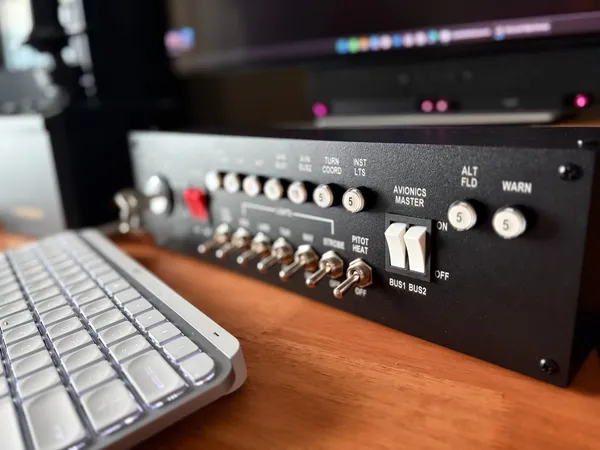
If your training aircraft has a Garmin G1000, practice on a G1000 sim panel or at minimum a software simulation. The muscle memory from navigating avionics transfers directly. For basic COM/NAV work, the PU Air Korea Radio panel may be all you need.
ATC from the start
Most students struggle with radio work — and the sim is where you fix that for free so start early. Two options: SayIntentions and BeyondATC use AI to simulate ATC; VATSIM puts real people in the tower. VATSIM is harder but more realistic. Use VATSIM Radar to find active airspace. Listen to your local airport on LiveATC.net to get familiar with the rhythm before you transmit.
Practice procedures, not maneuvers
Find the actual checklists for your training aircraft and drill them in the sim. Normal procedures, runup, departure — these transfer directly. The flows your instructor uses in the cockpit should be the flows you practice at home.
Don't bother practicing maneuvers. Stalls, chandelles, lazy eights — the way these feel in the sim doesn't translate to the real aircraft. You'll spend time building habits that will need to be corrected. Spend that time on circuits, radio work, and navigation instead.
Look outside
VFR flying is not instrument flying. The scan you build in the sim — where you look, how often, in what sequence — is the scan you'll use in the real aircraft. Staying fixated on your instruments is a common mistake even among students who've never touched a sim. Practice looking outside from your first session.
Cross-country planning
Flight planning doesn't require a sim — just a map, a pencil, and your weight and balance sheets. But doing it in the sim adds a layer: you'll quickly learn which landmarks are easy to spot from altitude and which aren't. Practice the full sequence at home, not just at US$180/hr.
What not to buy (yet)
The Tobii Eye Tracker, multi-monitor setups, rudder shakers, motion platforms — all compelling, none of it transfers to the real aircraft. Resist the gear rabbit hole. Save the money for actual flight hours.
VR is the exception — with a caveat. If you're training for instrument flying or want to build a realistic instrument scan, VR has genuine training value. Moving your head to check instruments feels like the real thing, and practicing the traffic pattern scan — looking left and right to judge spacing — transfers directly. But if you're building a rig for one specific aircraft type, a physical cockpit setup that matches that aircraft's layout will outperform VR. Choose based on your goal, not the gear.
Chair flying and ground school
A sim rig is not the only way to practice. Chair flying — mentally rehearsing flows, procedures, and checklists without any hardware — is free, always available, and underrated. Many experienced pilots swear by it more than any sim session.
Ground school is the other lever. If you're an aspiring student pilot, start it early. It's usually an online course, self-paced, and not dependent on flight hours. Arriving at your first lesson with the theory already in your head means your instructor can spend your money on flying, not explaining.
The good enough threshold
At some point, more hardware adds diminishing returns. The rule: once you can fly a stable circuit in the sim consistently, the hardware is good enough. Everything beyond that is for enjoyment, not training value. That's a valid reason to buy — just be honest that it's not necessarily training.