
Magenta Bridge for Octavi IFR-1
A free Windows client for the Octavi IFR-1 in MSFS 2024: COM and NAV tuning, autopilot, transponder and a live radio stack, with no MobiFlight.
Magenta Bridge for Octavi IFR-1
A second client for the IFR-1 in MSFS 2024, without MobiFlight for the controls it supports. It is not a superset of Octavi's plug-in.
Free, v0.1.0. Windows 11. Self-contained: no .NET runtime, no MobiFlight, no WASM module.
Why this exists
Octavi's own plug-in does the core job: it reads the panel and drives the radios and the autopilot, in a small program with no configuration to manage and no network calls. I wanted the rest of what MSFS will give a client, standby tuning that actually moves, and a plain answer when a control cannot work at all.
What does not work, and why
The GNS530/430 knobs and the five softkeys are exposed only as simulator input events, and SimConnect_SetInputEvent does not drive them. Reaching them means running code inside the simulator that executes the gauge's calculator events, which is what a WASM module does. The limit belongs to what MSFS exposes to a client rather than to any one bridge, and it is why Octavi's own manual points to MobiFlight for FMS support. The FMS CDI button works through the TOGGLE_GPS_DRIVES_NAV1 event.
Two smaller limits remain. The C172's autopilot ignores remote vertical speed by design, so use its own UP/DN buttons; the app detects that and says so. And the panel only speaks when something changes, so the mode at launch is unknown until you touch it. The window says press any button, then tracks every change accurately.
What's different from Octavi's plug-in
| Octavi's plug-in | Magenta Bridge | |
|---|---|---|
| COM/NAV tuning, standby swap | Yes | Yes |
| HDG, BARO, CRS on shift | Yes | Yes |
| Autopilot altitude and buttons | Yes | Yes |
| Squawk, IDENT | Yes | Yes |
| Transponder mode (OFF/SBY/TST/ON/ALT) | Not implemented | Yes |
| NAV standby tuning | The knob re-sends the current frequency, so the value cannot move | Moves, in whole and decimal steps |
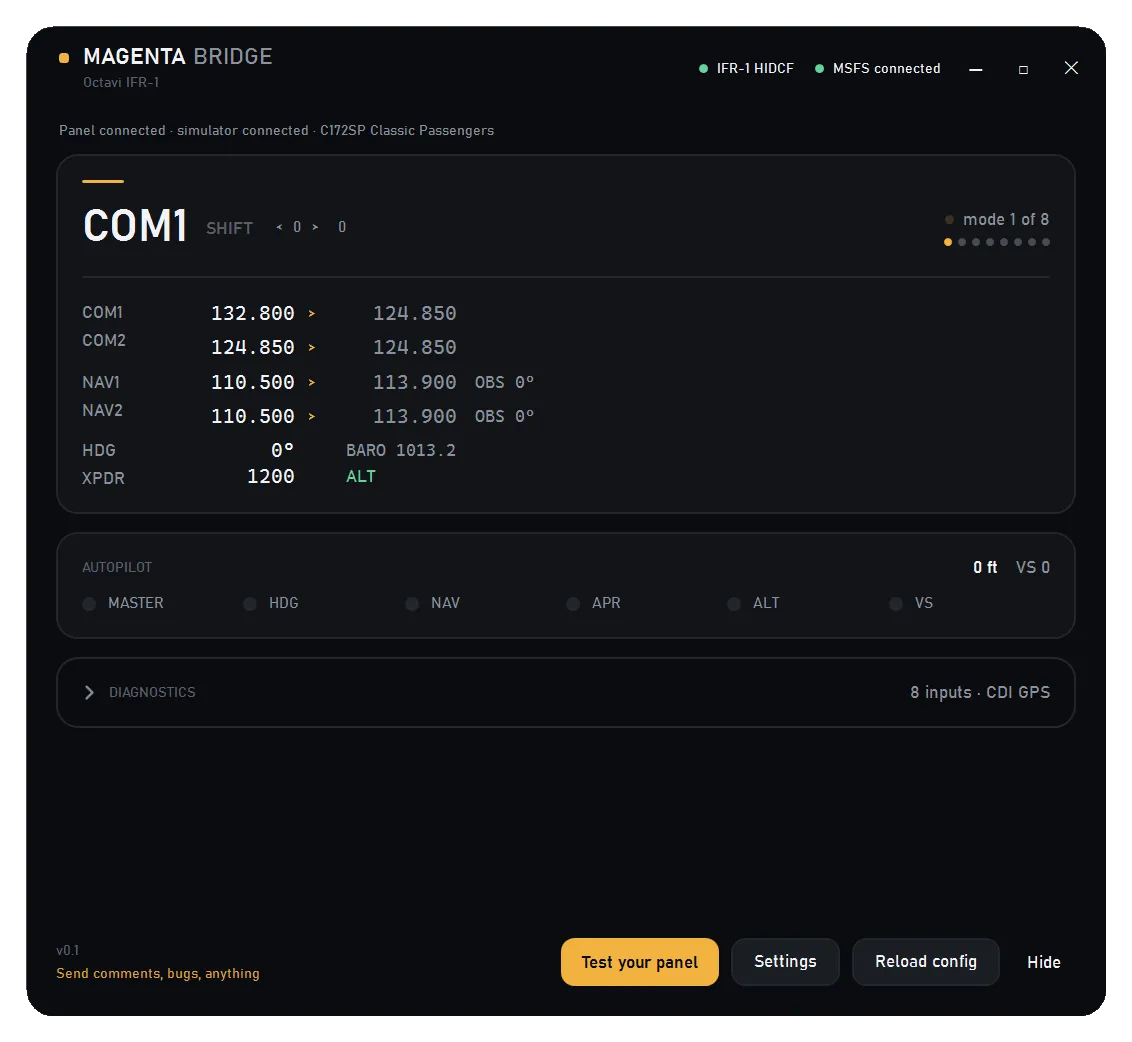
| Live radio stack, aircraft name | Nothing on screen | Reads the aircraft's own frequencies and names what you are flying |
| Guided panel test | — | Lists every input as it arrives |
| When a control cannot work | Silent | Says why, in the window and the log |
| GNS530/430 knobs, five softkeys | Yes, through MobiFlight | Not supported |
| MobiFlight required | Only for FMS | No — because FMS is not attempted |
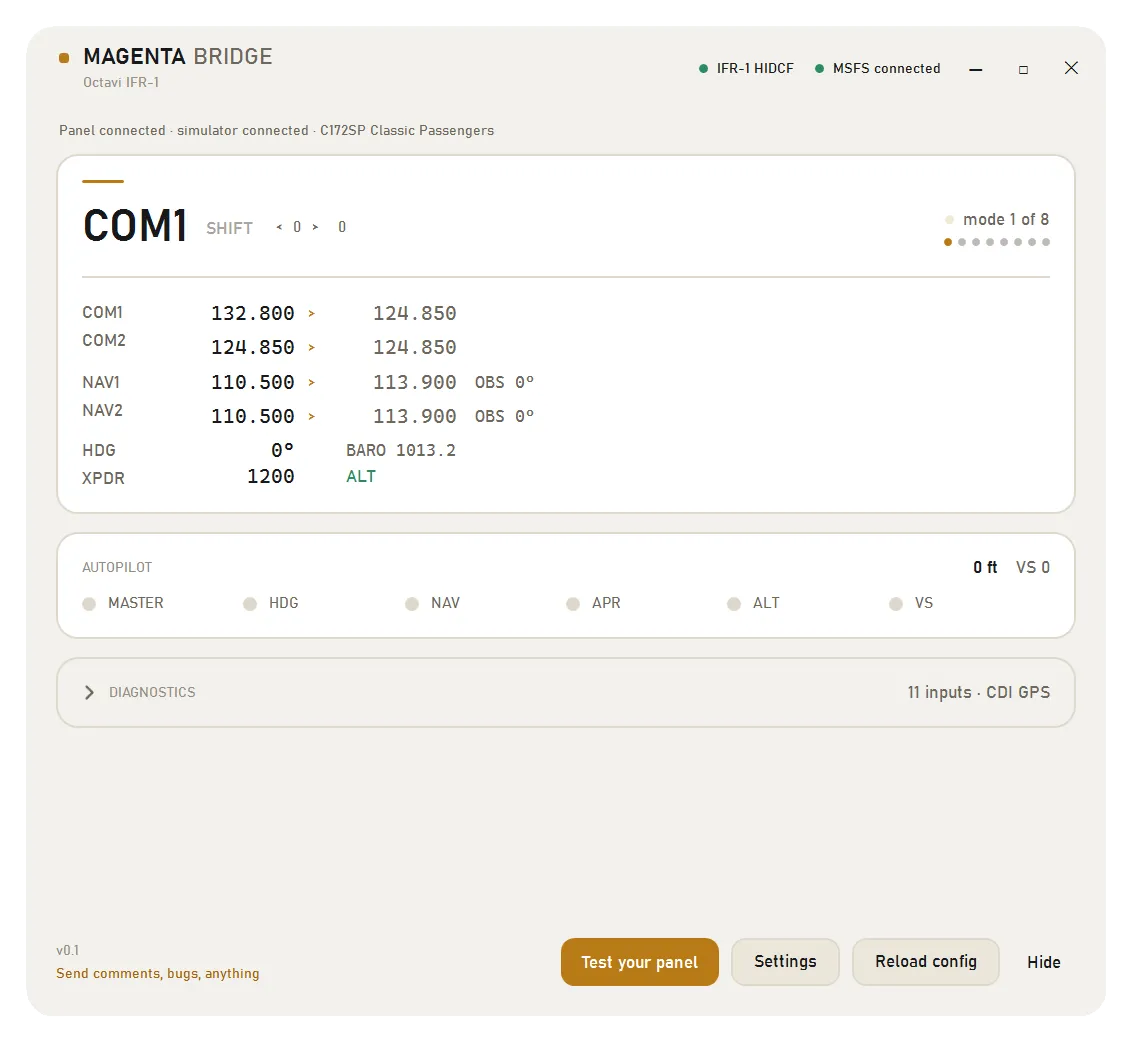
| Themes, always on top, tray | — | Dark and light, always on top, start minimised |
| Licence | Closed | MIT, source available |
If you already run MobiFlight and rely on the GNS knobs and softkeys, Octavi's plug-in reaches controls this one does not.
One panel, one program
The IFR-1 is a single HID device and it cannot be shared. If Octavi's plug-in is running, the bridge receives nothing: the window looks connected and the controls do nothing. That is the device's design rather than a fault in either program. The app spots it and offers a Close Octavi plug-in button, and nothing closes unless you press it. Use one client or the other.
Setup
- Close Octavi's
Octavi_MSFSxplug-in if it is running - Start MSFS and load a flight
- Run
MagentaBridge-OctaviIFR1.exe. There is nothing to install and no runtime to add - Press any button on the panel once, so the bridge learns the mode. Test your panel then shows every input as it arrives
What is verified
Checked against MSFS 2024 and a physical IFR-1 on Windows 11. Two things are not verified: nobody has confirmed that COM2's active frequency reads correctly, and Windows 10 has not been tested.
Questions
Does the Octavi IFR-1 work in MSFS 2024 without MobiFlight?
Yes, for every control the simulator exposes to a client: COM and NAV tuning with standby swap, HDG, BARO and CRS on shift, the autopilot altitude and buttons, squawk and IDENT, transponder mode, and the FMS CDI button. The GNS530/430 knobs and the five softkeys need a WASM module, so this client leaves them out.
Is Magenta Bridge free?
Yes. It is MIT licensed, the source is on GitHub, and there is no telemetry, no updater and nothing to buy. It is a Magenta Debrief tool, built at my own desk for the panel I fly with.
Do I need to uninstall Octavi's plug-in?
No, but close it while the bridge runs. The IFR-1 is a single HID device, so two programs cannot read it at once. The app spots the conflict and offers a Close Octavi plug-in button, and nothing closes unless you press it.
Why don't the GNS530/430 knobs or the five softkeys work?
The simulator exposes them only as input events, and SimConnect_SetInputEvent does not drive them. Reaching them needs code running inside the simulator that executes the gauge's calculator events, which is what MobiFlight's WASM module does. If you rely on those controls, Octavi's plug-in with MobiFlight still reaches them.
Does this work with the OCTAVI 1G?
No. The 1G is a separate product that works as a USB HID joystick, and this build is for the IFR-1 panel only.
Which Windows versions does it run on?
Windows 11, tested against a physical panel. Windows 10 should work but has not been tried. The download is self-contained, so there is no .NET runtime to install.
Changelog
- First release: COM/NAV tuning and swaps, HDG, BARO, CRS, autopilot altitude and buttons, squawk and IDENT, transponder mode, FMS CDI, the live radio stack and the guided panel test
Trust
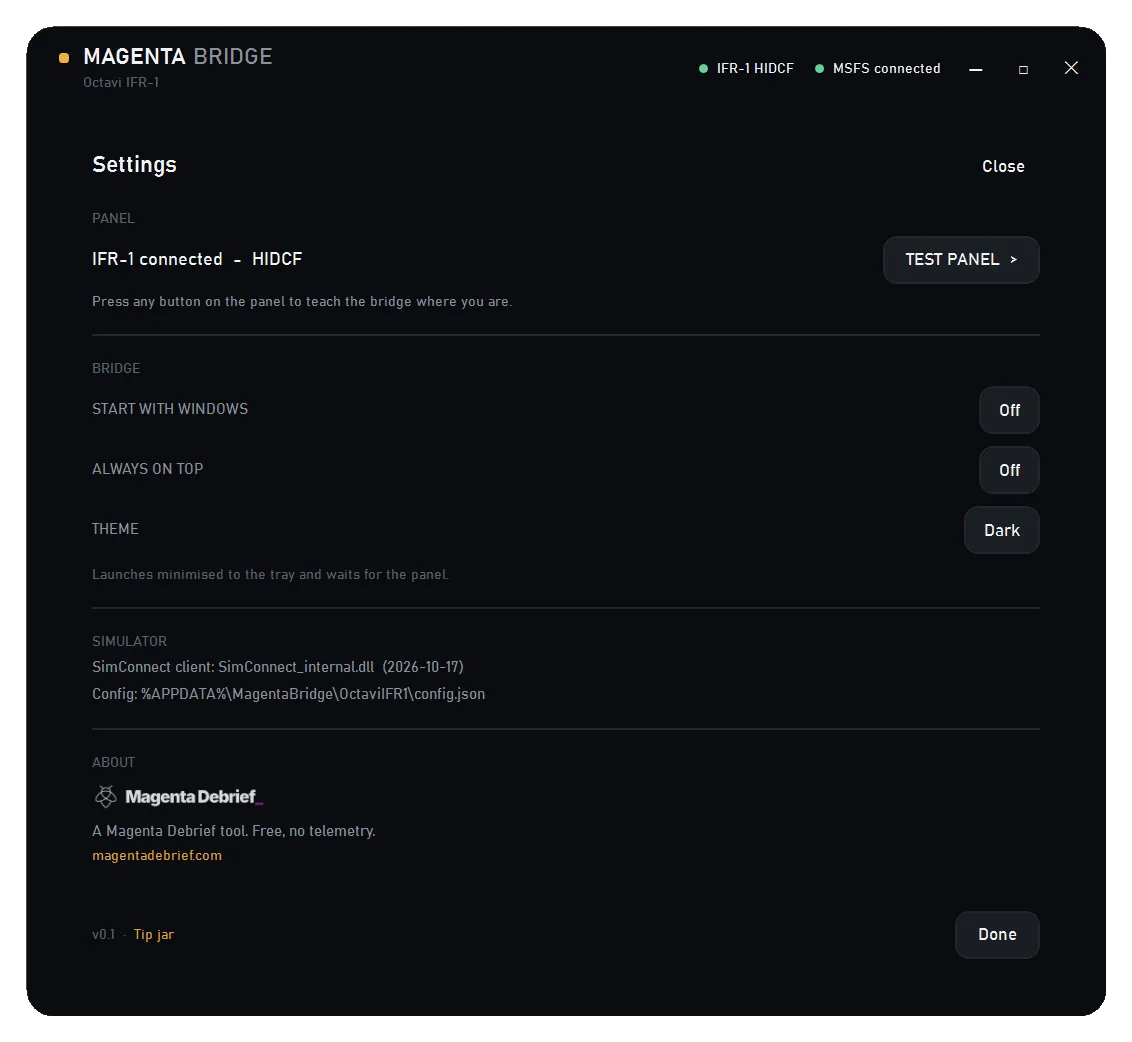
MIT licensed, with the source and the issue tracker on GitHub. No telemetry, no updater, no network calls. Settings live in a per-device folder, and this build writes to %APPDATA%\MagentaBridge\OctaviIFR1\.
Written independently, with no affiliation to Octavi and no endorsement. Octavi's plug-in remains the vendor's supported client, and this is a free alternative, built at my own desk for my own flying, after reviewing the panel.
